Bulk Shopify Pricing Edits With Python CSVs
Bulk edit Shopify products safely with Python CSVs: how I clean, match and validate pricing rows before they touch your live store inventory data.
 Selim Abdulsalam September 2026 5 MIN READ
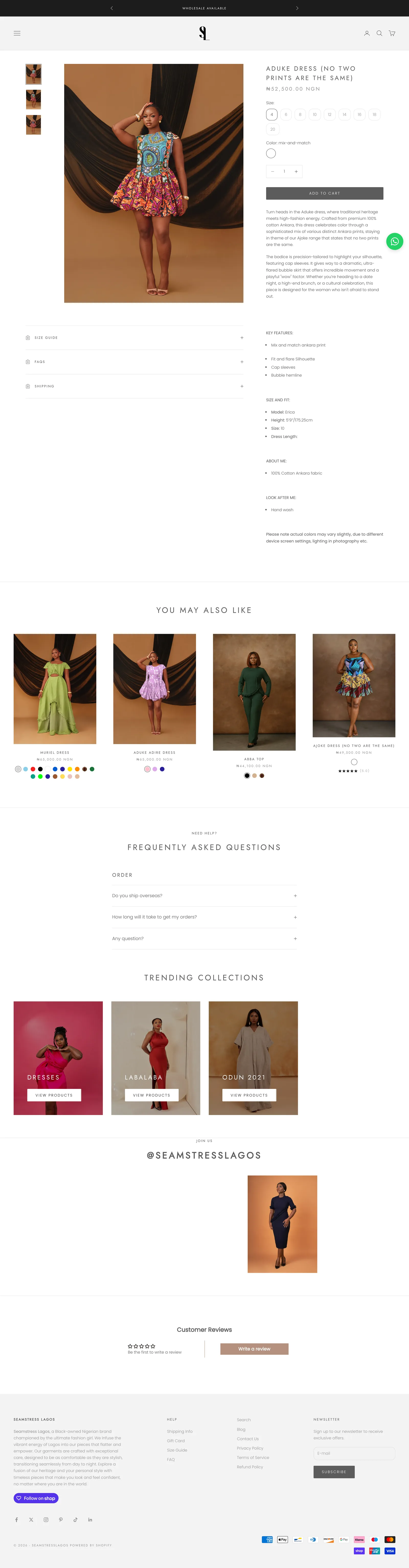
Bulk edit shopify products safely by cleaning your CSVs in Python before anything touches the store. I use pandas for sorting and checks, fuzzy matching for messy names, and an AI helper for drafting the matching rules. Then I validate every row and import in small batches. That order keeps pricing steady and variants intact.
Pricing sheets get messy fast, with duplicate handles, mixed currency labels, and option names that almost match. I treat the sheet as guilty until proven clean. CSVs are humble, but I've seen them save more launches than heroic late nights.
Bulk Edit Shopify Products: Clean Before You Touch
I start with exports, not edits. I pull products and variants, plus the current price columns per market where available, and I save a dated backup. Then I load the files in pandas to find blanks, duplicates, and stray spaces. I normalize handles, trim option values, and confirm each variant maps to one product. Shopify documents per-variant pricing and option limits in their variants Help, which I check before I restructure anything Shopify variants and pricing Help.
I separate concerns into sheets: identity, pricing, and inventory policy. Identity holds handles, SKUs, and option values. Pricing holds amounts per market with clear currency labels like NGN, GBP, GHS, and USD. Inventory policy holds tracking and sell-through intent per variant. When each concern lives in its own place, errors get easier to spot.
I also lock currency labels early. Mixed labels caused real confusion on a past build, where local figures carried the wrong code after an import. I now validate that every price row has an explicit code and that the code matches the market it belongs to. No code, no import.
Fuzzy Matching Without Breaking Variants
Names rarely match perfectly across sheets. One file says Aduke Dress - Mustard, another says Aduke mustard dress, and both mean the same item. I use fuzzy matching to suggest pairs, then I confirm high-value rows by hand. The AI helper drafts the matching rules and thresholds, and I approve them. I never let automatic matching write directly to the store.
I keep match keys stable. SKU is my favorite anchor when it exists, then handle plus option values. When neither is clean, I build a temporary key from normalized title and options, review the uncertain pairs, and fix the source data. This part is slow on purpose. A wrong match changes the wrong price, and that's harder to unwind than a slow afternoon.
For redirect-heavy catalogs, I reuse the same discipline. Shopify's redirect import also runs on CSV rows with strict source rules, so clean handles pay off twice Shopify redirect CSV Help. Related reading that pairs well: my post migration bug checklist I run for what to verify after imports, and my notes on product variants with different prices for structuring variable pricing. You can also see my selected Shopify work for context.
Validation Pass I Never Skip
Before any import, I run validations that read like a pre-flight list. I check for duplicate SKUs, missing handles, negative prices, extreme jumps from current values, and currency codes that don't belong to the target market. I flag any row that changes price by a large amount for manual review, even if the math looks right. Most of those flags turn out to be typos.
I import in small batches and verify on live pages between batches. I open the product, choose each option, and confirm the displayed figure matches the sheet. I check the cart too, because market pricing can differ from the product view. If a batch misbehaves, I pause and fix the source rather than pushing through.
I save everything with dates: source exports, cleaning scripts, match decisions, validation reports, and import confirmations. That folder is my audit trail. When someone asks why a price changed last Tuesday, I can answer in minutes instead of guessing. I also keep a short decision log that says which uncertain matches I approved by hand and why, so the next person working on the catalog understands the judgment calls behind the rows.
Takeaway: My CSV Pricing Checklist
Use this sequence for any large price update. It works for currency corrections, market additions, and seasonal updates.
- Backup first: export products and variants with dates, store copies where you can find them again.
- Normalize identity: trim spaces, unify option names, confirm one handle per product and one row per variant.
- Label currency: require explicit codes like NGN, GBP, GHS, USD on every price row before matching.
- Match carefully: use SKU or handle plus options as anchors, review fuzzy suggestions by hand for top sellers.
- Validate amounts: block blanks, negatives, duplicates, and extreme jumps; approve flags manually.
- Batch import: load small groups, verify product and cart views per market, pause on first surprise.
- Keep history: save scripts, decisions, and confirmations with dates for future audits.
Can I do this with spreadsheets alone?
Yes for small catalogs. Filters, sorting, and careful copy work fine under a few hundred rows. I reach for Python when duplicates grow, names vary, or markets multiply, because scripted checks catch what tired eyes miss.
What if my source data has no SKUs?
Then I build temporary keys from normalized titles and option values and review uncertain matches by hand. I add proper SKUs as I go so the next update goes faster. The first cleanup is the hardest; later ones reuse the same keys and rules.
If your pricing sheet feels risky to touch, get in touch and we'll clean it up together.